Can't open HEIC photos from your iPhone, AirDrop, or WhatsApp? Convert them instantly right on your Android phone. No file uploads, no cloud wait times, and zero quality loss.
Apple defaults to high-efficiency HEIC format. While it saves space on iPhone, it breaks compatibility across the rest of the world.
What happens when you receive HEIC photos today:
A fast, clean, on-device utility built with respect for your privacy:
Built according to modern Android standards, offering precision control without confusing bloat.
Your photos never leave your device. All decoding and rendering algorithms execute locally using your phone's processor. No internet connection required.
Convert 10, 50, or 100+ high-resolution photos in a single tap. Multi-threaded processing converts large photo albums without freezing your system.
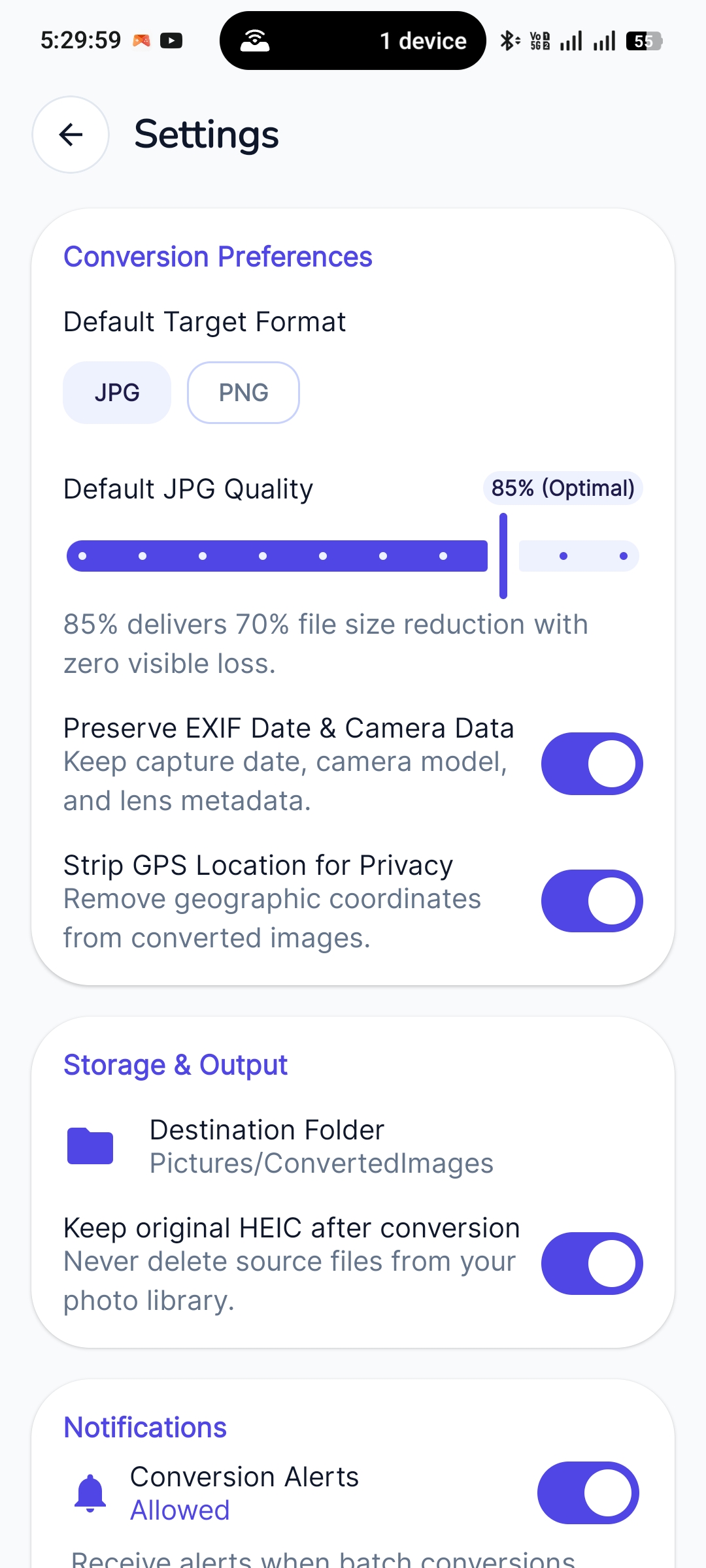
Keep camera shot metadata, timestamps, and lens information intact. Converted pictures will never be flipped sideways or upside down.
Easily adjust compression quality (50% to 100%). Our default 85% Optimal preset cuts file size by up to 70% with zero visible quality loss.
Received photos in WhatsApp or Google Photos? Simply tap "Share" and select HEIC to JPG Converter to convert right on the spot without opening the app first.
Optimized for low RAM usage and minimal battery draw. No intrusive adware, no deceptive subscription traps, and no annoying spam notifications.
Explore the clean Material Design 3 interface crafted for intuitive one-tap conversions.
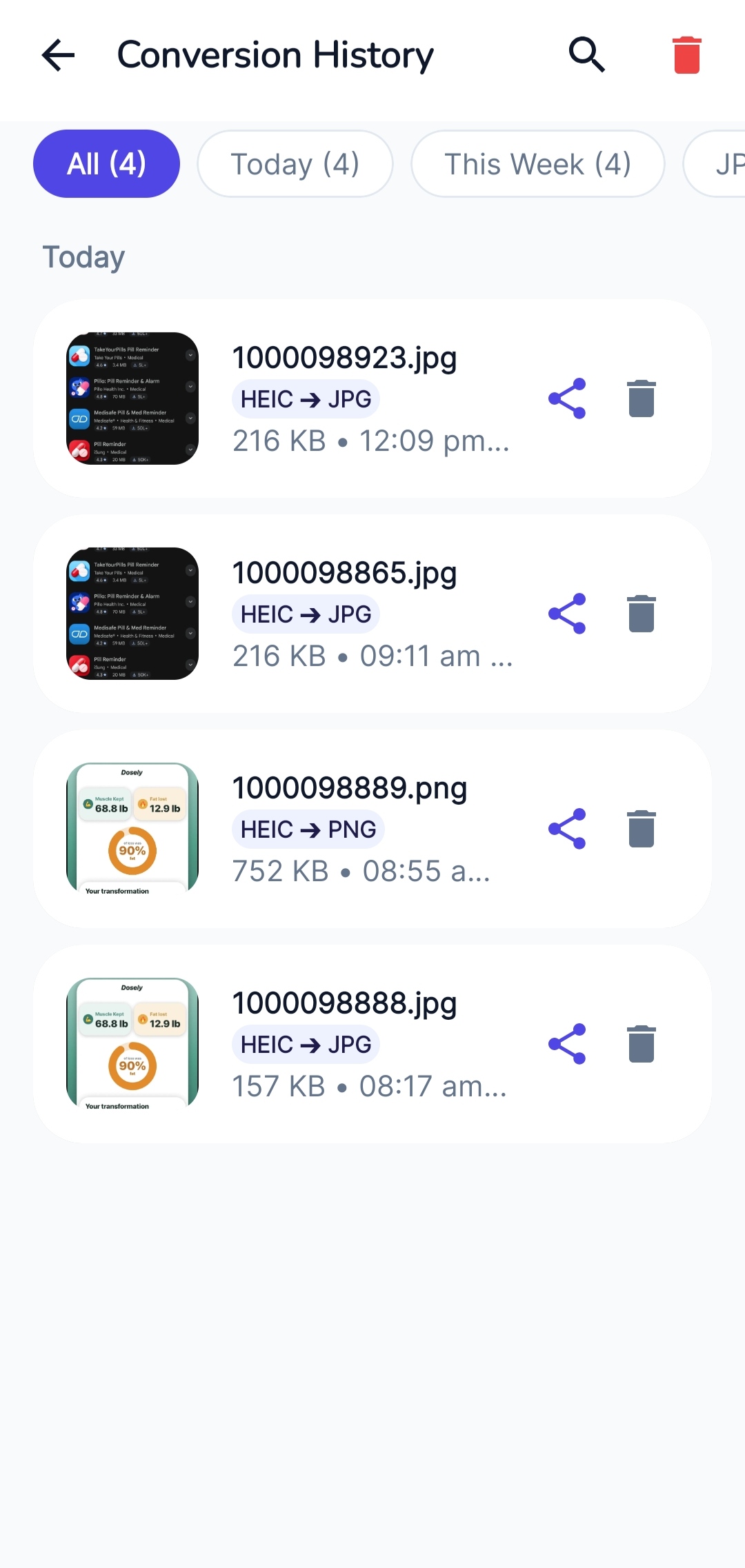
No sign-ups, no accounts, and no complex configurations. Open the app and you're ready.
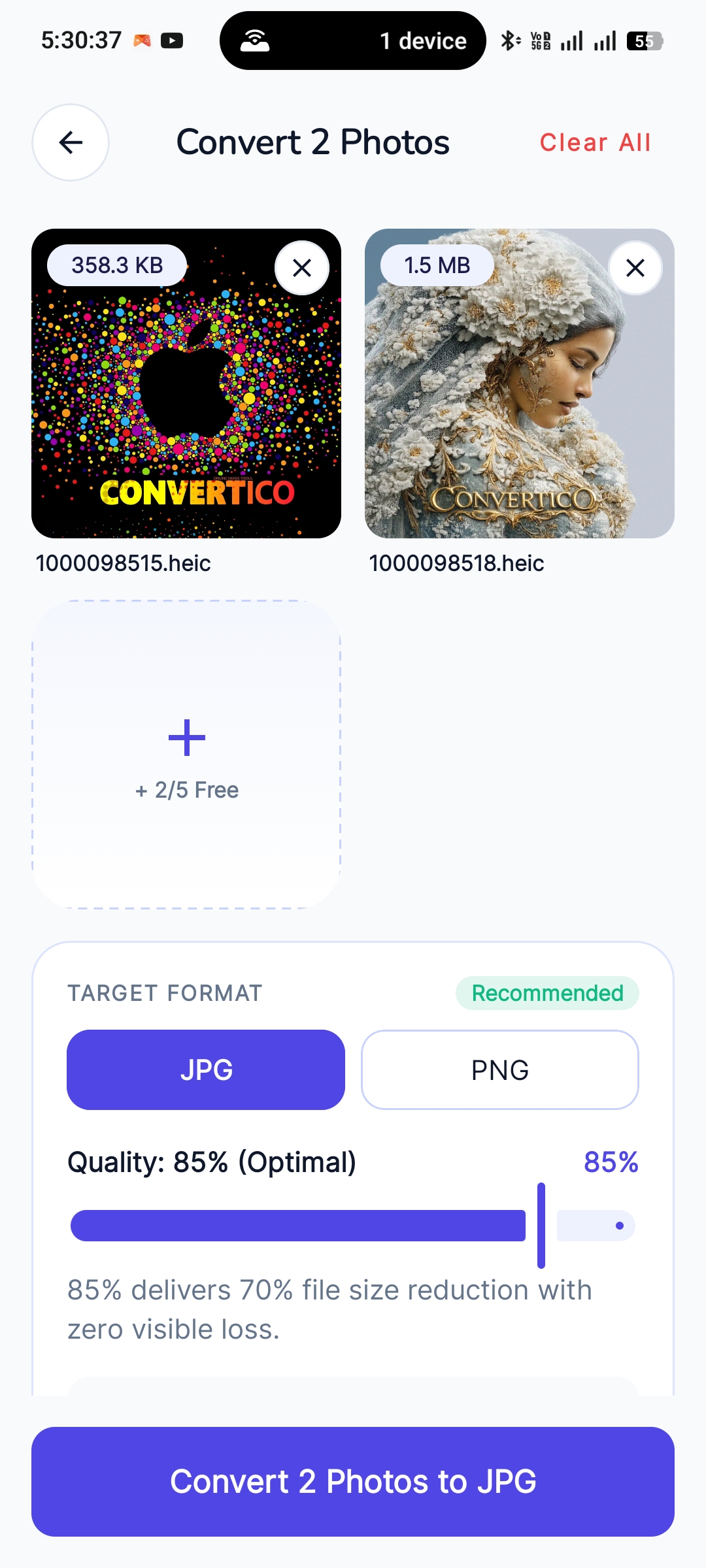
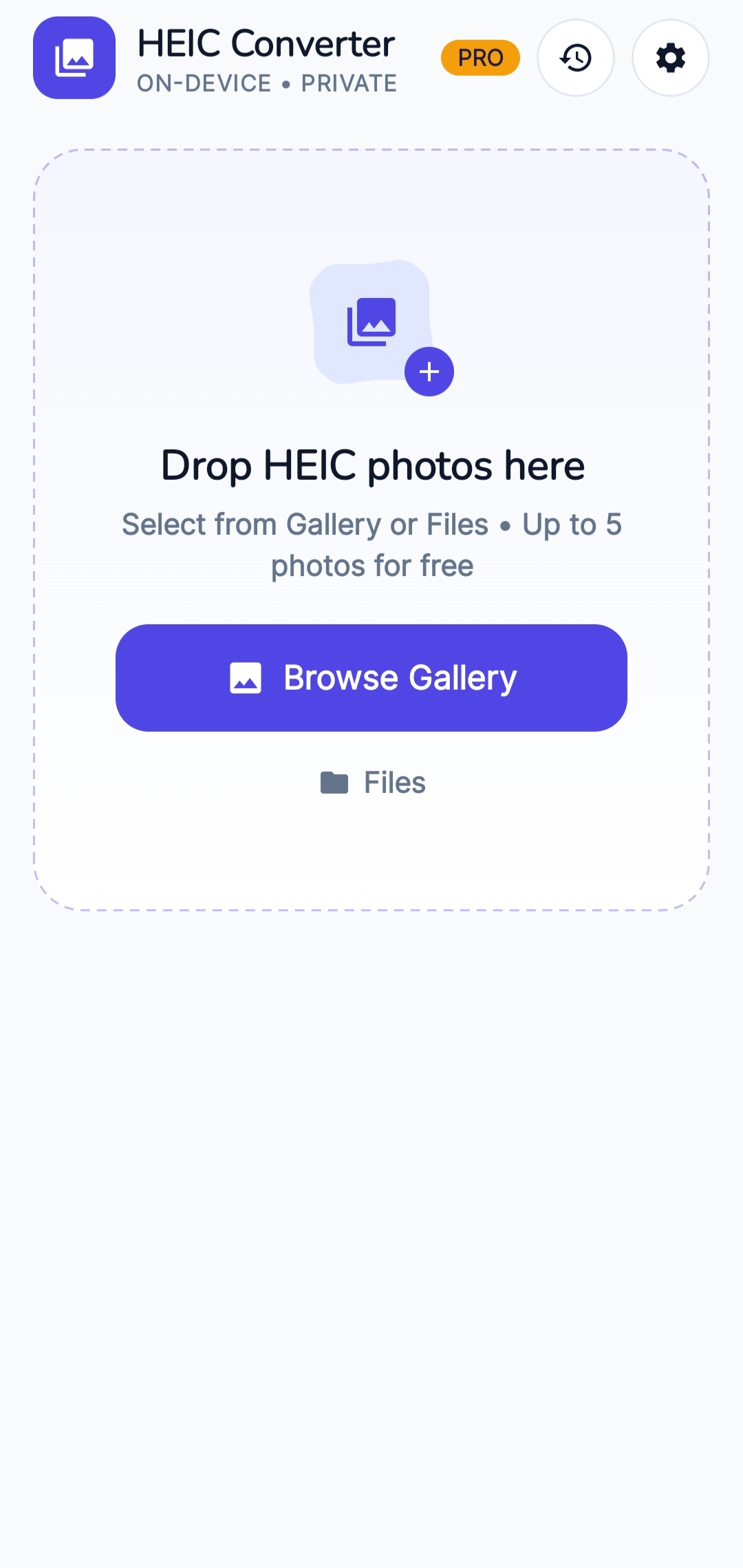
Tap Browse Gallery or pick files directly from your phone's File Manager. You can also tap "Share" on any photo inside WhatsApp or Google Photos.
Select JPG (for universal compatibility) or PNG (for lossless transparency). Set quality from 50% to 100% or use our recommended 85% preset.
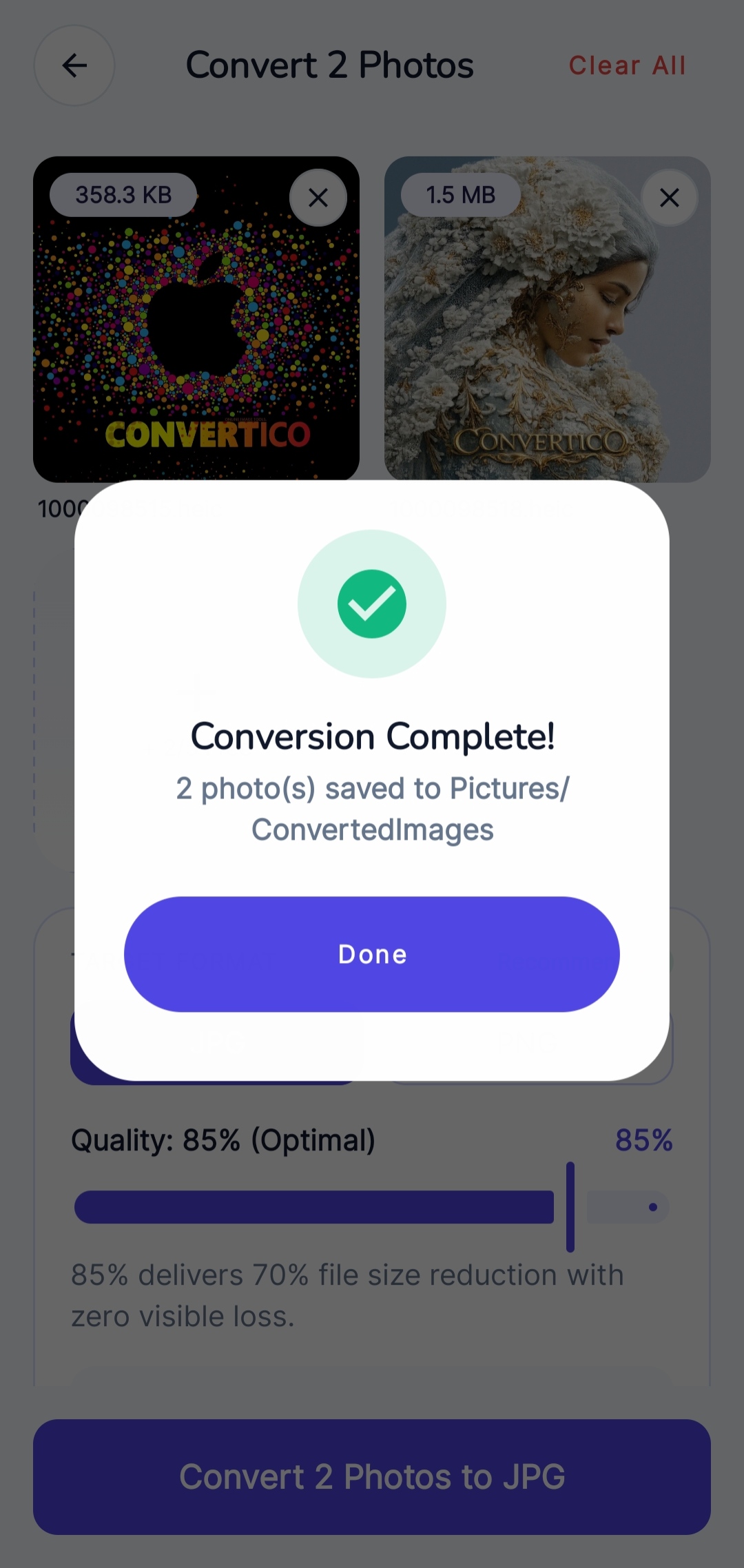
Your photos are processed in seconds and saved directly to your device's Pictures/ConvertedImages directory. Share or open them anywhere.
Everything you need to know about photo conversions, privacy safeguards, and supported formats.
Absolutely not. All image decoding, conversion, and compression happens 100% locally on your smartphone's hardware inside the Android app sandbox. You can test this yourself by turning on Airplane mode — the app will convert your photos flawlessly without any internet connection.
Yes! HEIC to JPG Converter features a multi-threaded batch conversion engine. You can select multiple images from your Gallery or file picker and convert them simultaneously in seconds.
All converted JPG and PNG files are automatically saved to your device's standard Pictures/ConvertedImages folder. They appear immediately in Google Photos, Samsung Gallery, or any standard gallery app.
Not unless you want it to! The app allows full control over compression quality (50% to 100%). Our default 85% Optimal setting provides a substantial ~70% reduction in file size while retaining crystal-clear detail with zero visible degradation. You can also select 100% for maximum fidelity.
Yes! Proper image rotation is automatically applied so your pictures never show up upside-down or sideways. Furthermore, you can choose to preserve camera model, timestamp, and exposure metadata, or strip GPS location coordinates to protect your personal privacy before sharing.
Yes, HEIC to JPG Converter is completely free to use! The free version is supported by clean, unobtrusive ads. We also offer an optional one-time Pro upgrade that removes all ads and unlocks unlimited batch conversions.